
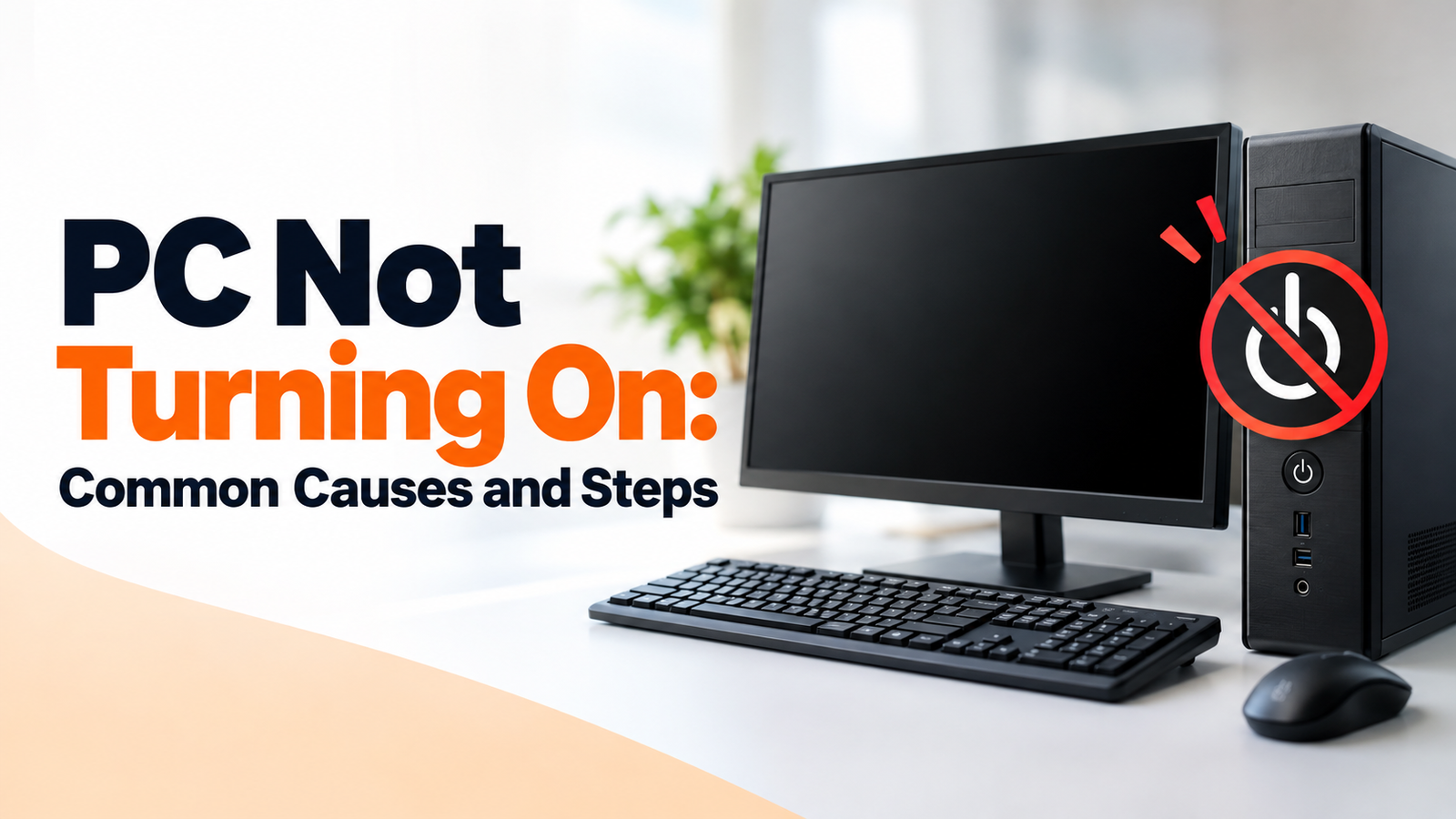
 Hardware
PC Not Turning On: Common Causes and Steps
Learn common reasons why a computer may fail to power on, from loose cables and drained batteries to internal power supply issues.
Welcome to pcsecureadvice – an independent online service dedicated to helping users understand and resolve common computer-related issues. Get practical guidance for everyday PC challenges, device setup, software installation, and performance optimization.
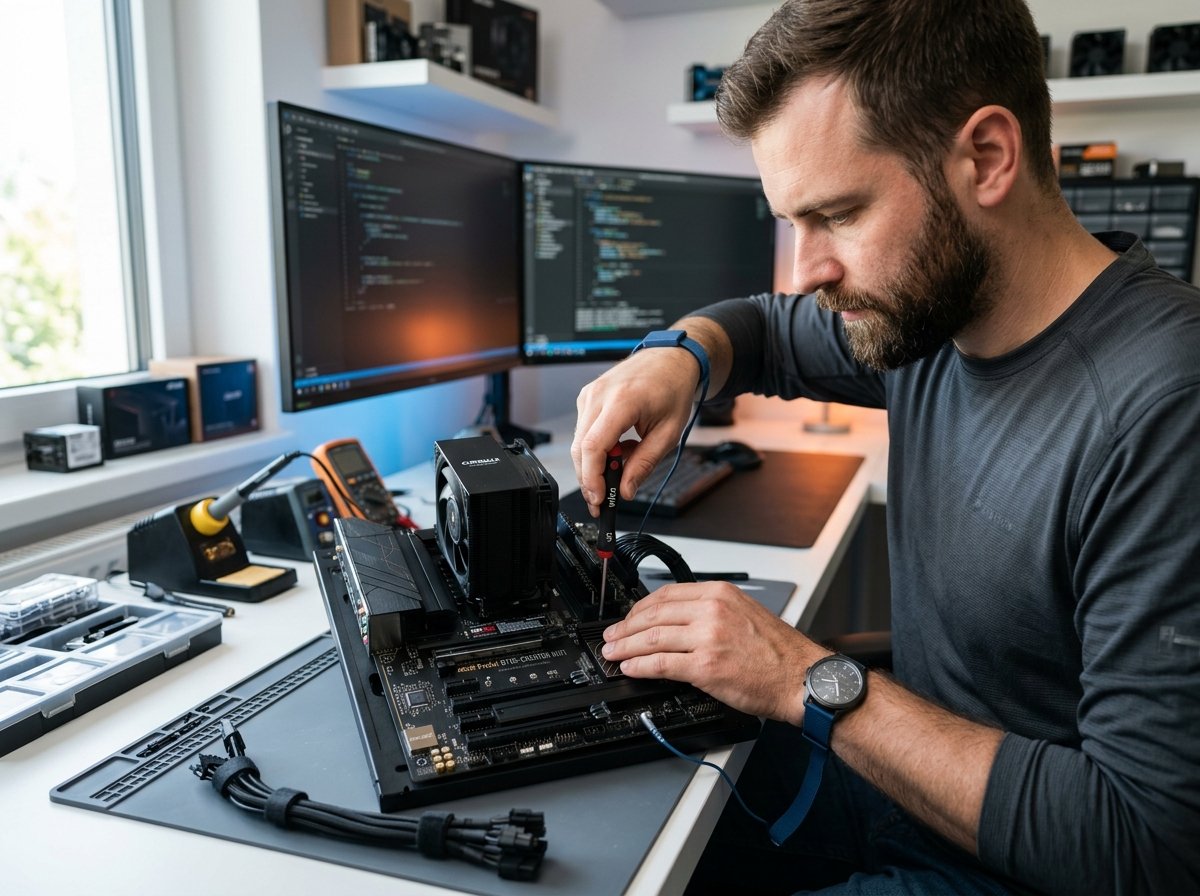
Welcome to pcsecureadvice, an independent online service dedicated to helping users understand and resolve common computer-related issues.
Our goal is to make technology easier to use by providing practical guidance for everyday PC problems. We assist users with pc problems, connectivity issues, performance concerns, and other common computer-related challenges.
pcsecureadvice provides independent technical guidance to help users identify potential problems and understand possible solutions. Depending on the issue, assistance may be provided through phone consultations, online communication, or step-by-step troubleshooting instructions.
Discover helpful guidance for common computer setup, connectivity, software, and troubleshooting needs.
Hardware
Learn common reasons why a computer may fail to power on, from loose cables and drained batteries to internal power supply issues.
 Performance
Discover what might be slowing down your computer and practical adjustments to optimize startup, free storage, and boost speed.
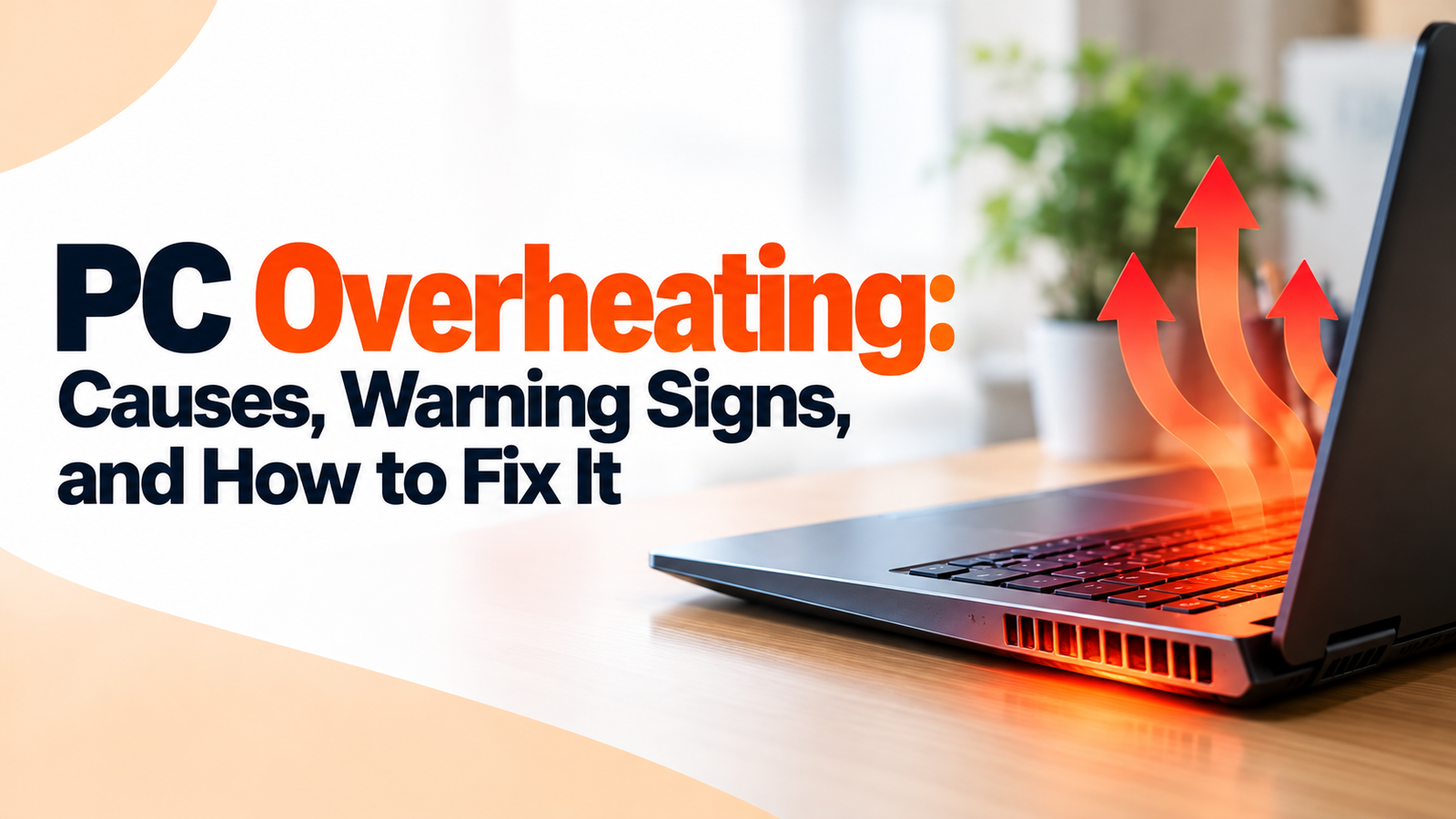 Cooling
Learn common causes of excessive fan noise, high operating temperatures, and steps to ensure proper airflow and cooling.
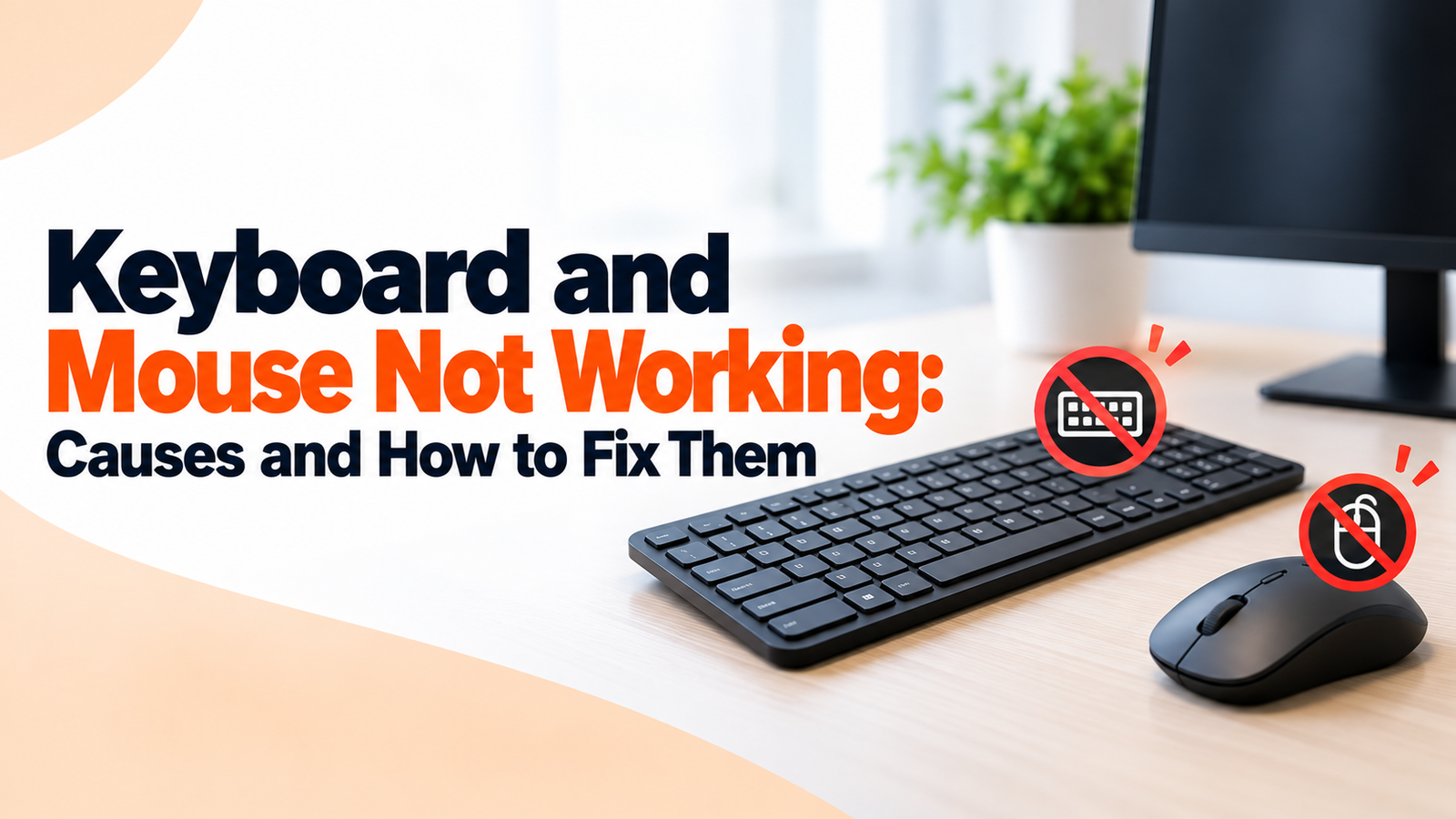 Peripherals
Troubleshoot unresponsiveness, wireless connectivity problems, USB port issues, and driver glitches on input devices.
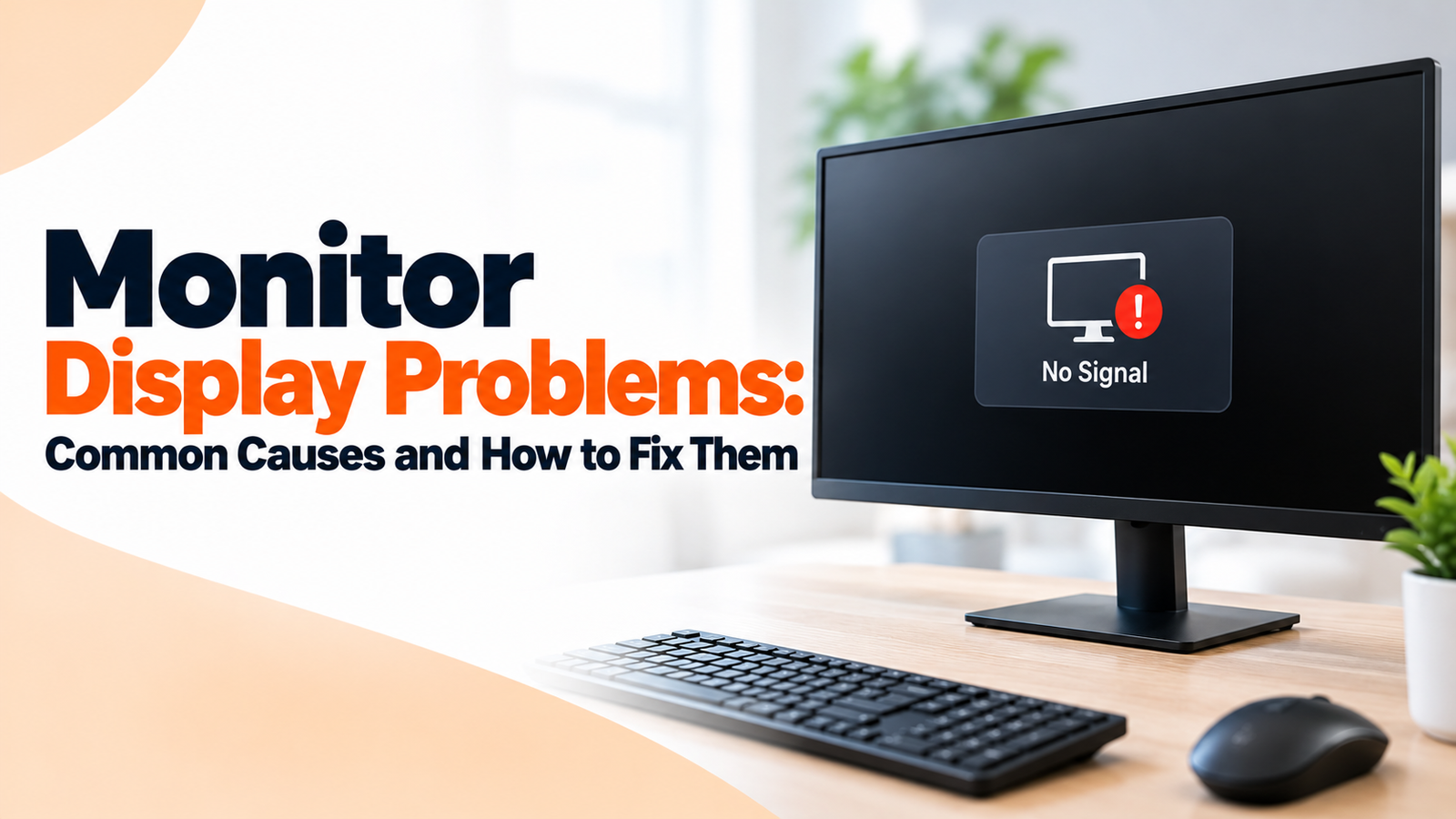 Display
Resolve blank screens, flickering images, blurry text, "No Signal" messages, and incorrect resolution settings.
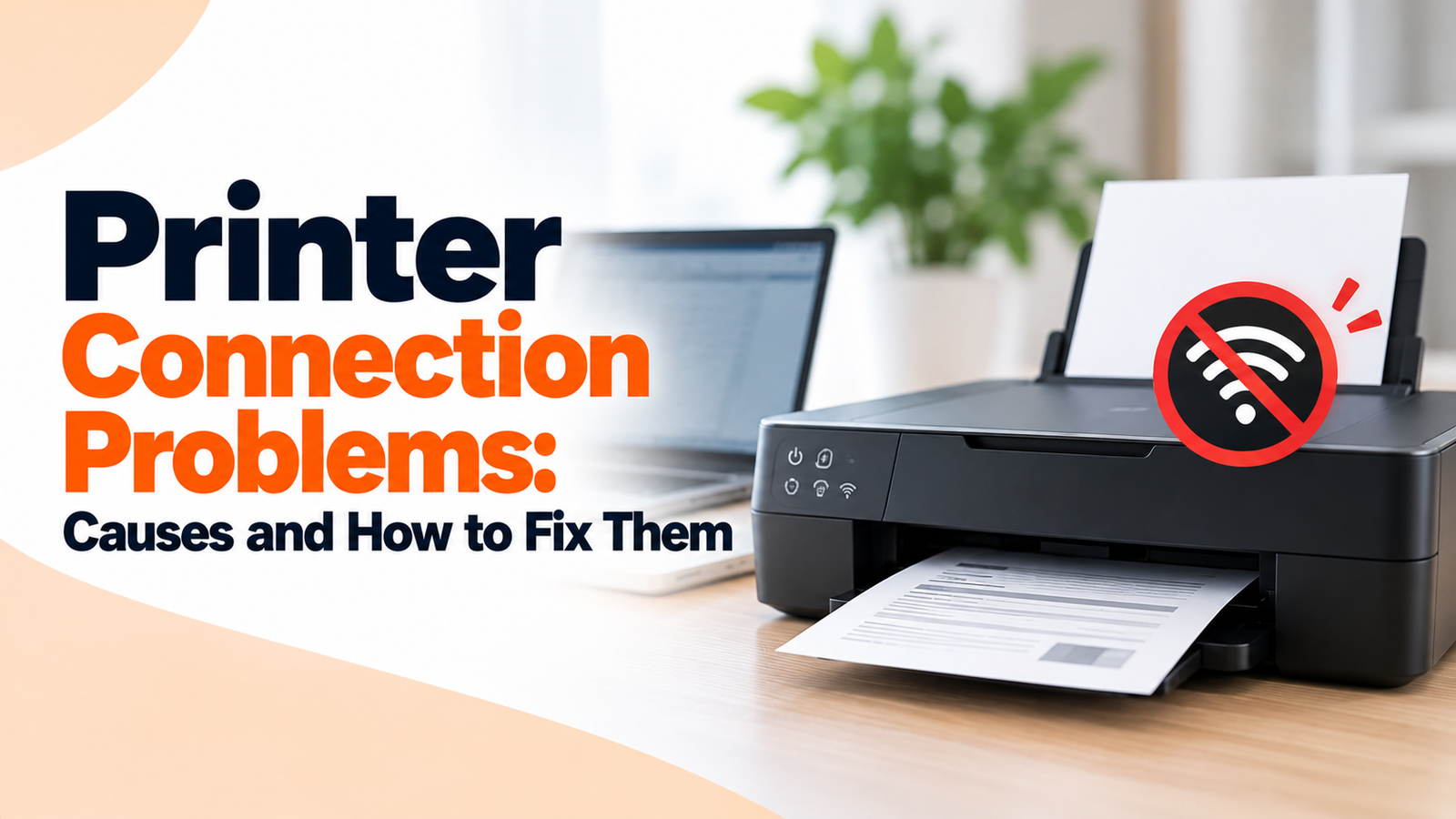 Printer
Fix printer offline statuses, Wi-Fi connectivity drops, print spooler errors, and driver communication issues.
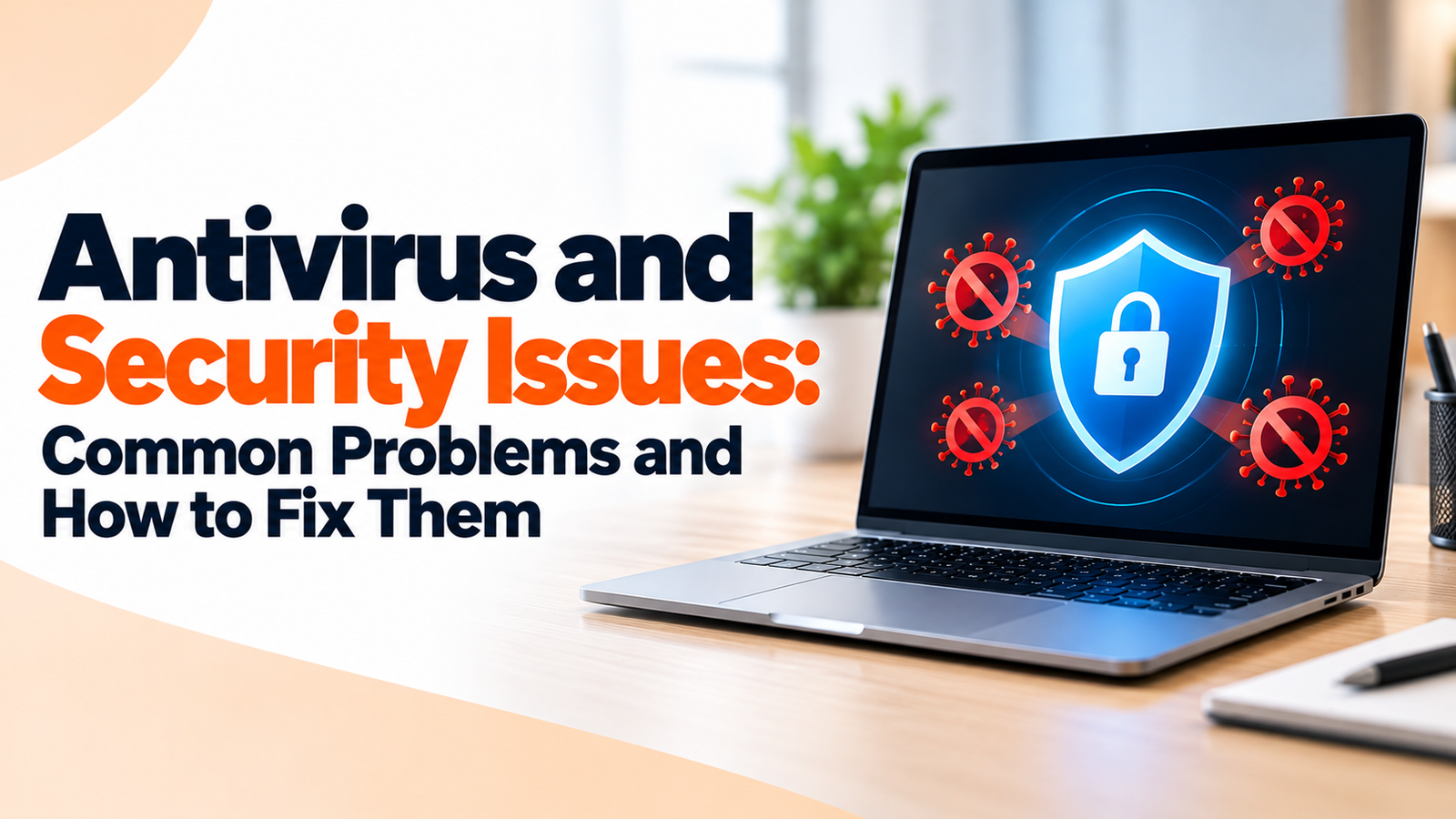 Security
Troubleshoot disabled protection, update failures, repeated security alerts, slow scans, and false positive detections.
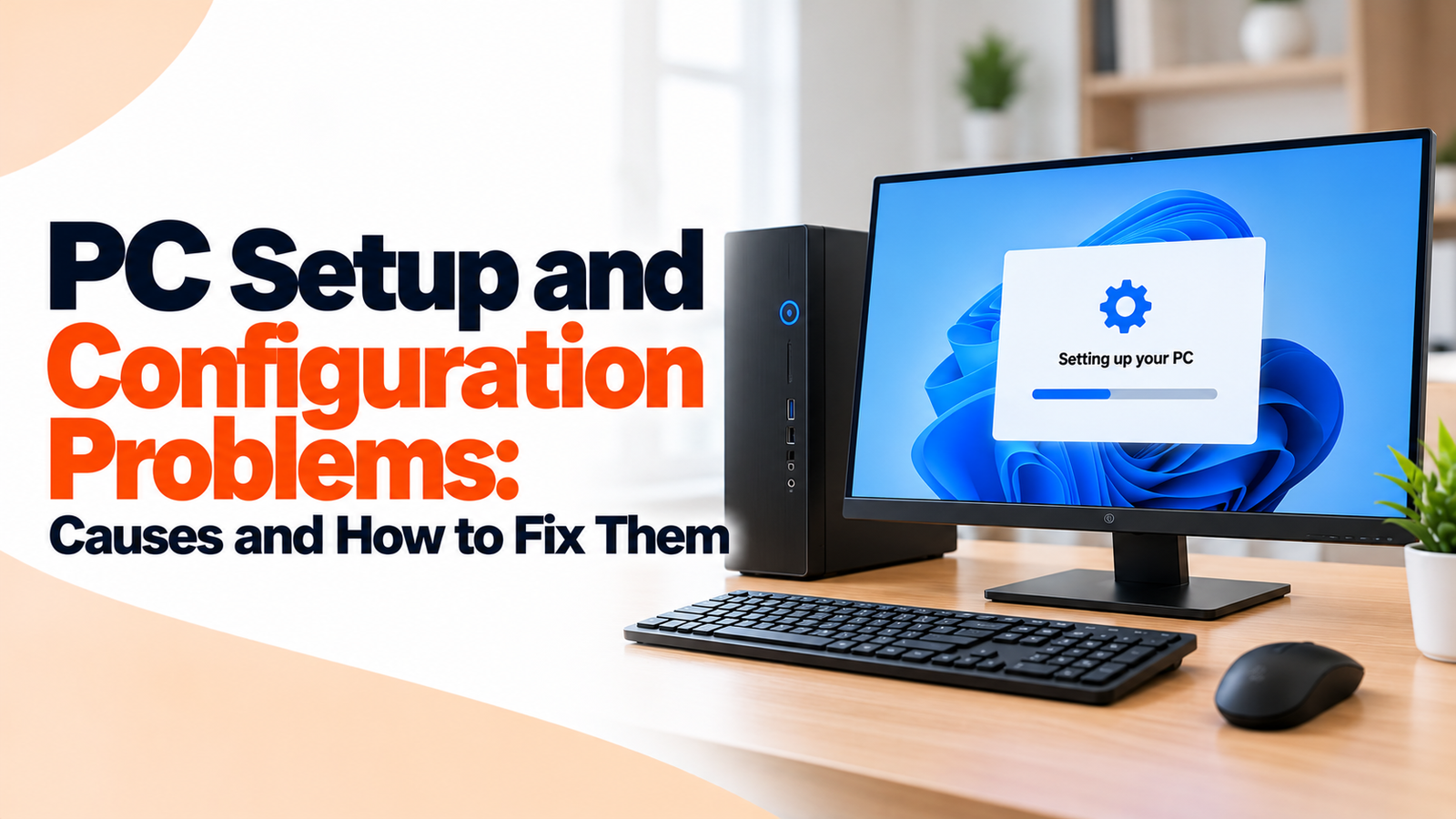 Configuration
Practical solutions for initial setup errors, driver installations, regional preferences, and peripheral recognition.
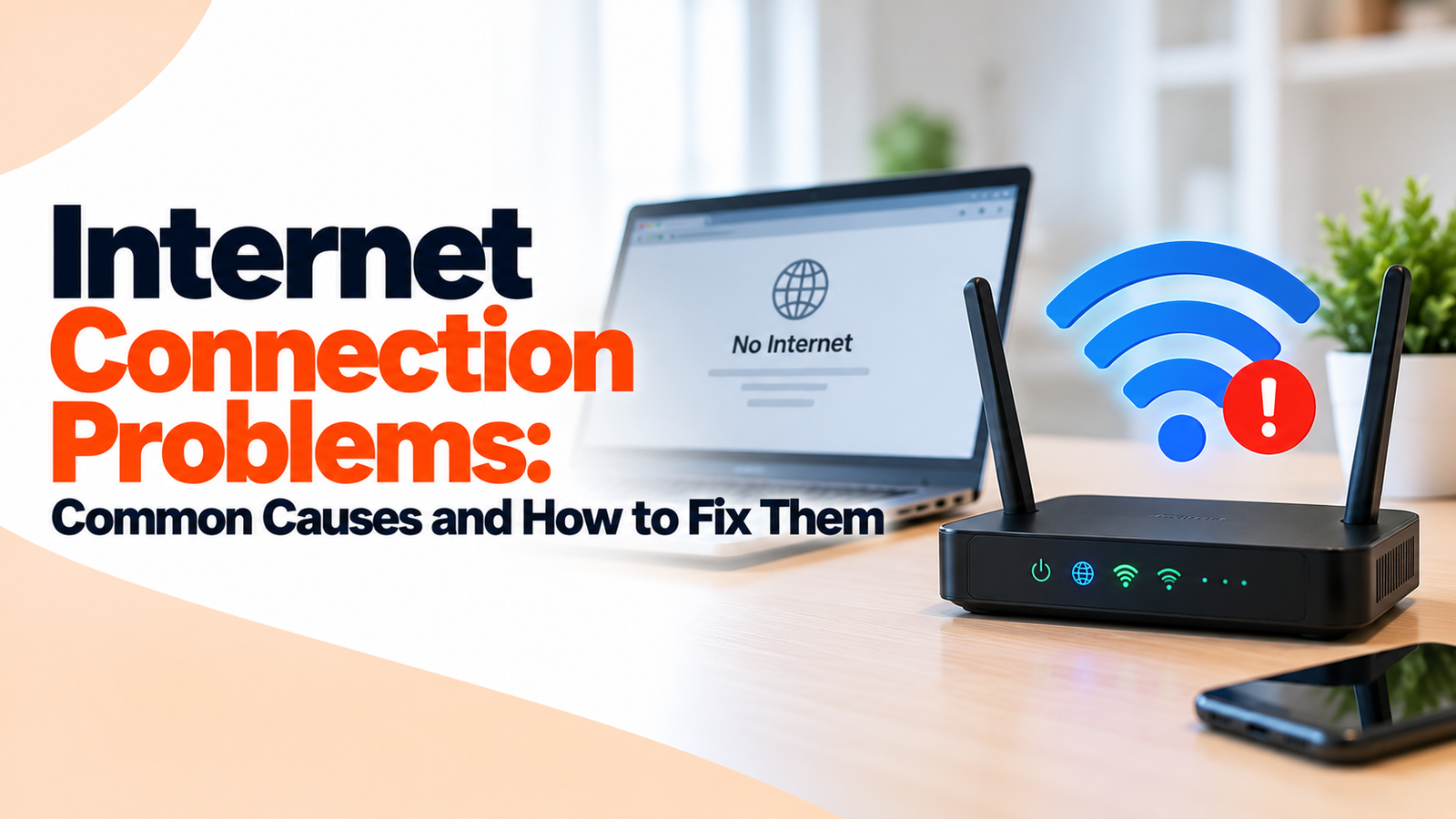 Connectivity
Restore a stable connection with step-by-step checks for router issues, Wi-Fi disconnections, DNS errors, and network drivers.
Have a question about our website or the guidance we provide? Get in touch with us.
Connect directly via our technical assistance line for immediate device walkthroughs.
Send us an email anytime for technical queries, site guidance, or assistance topics.